
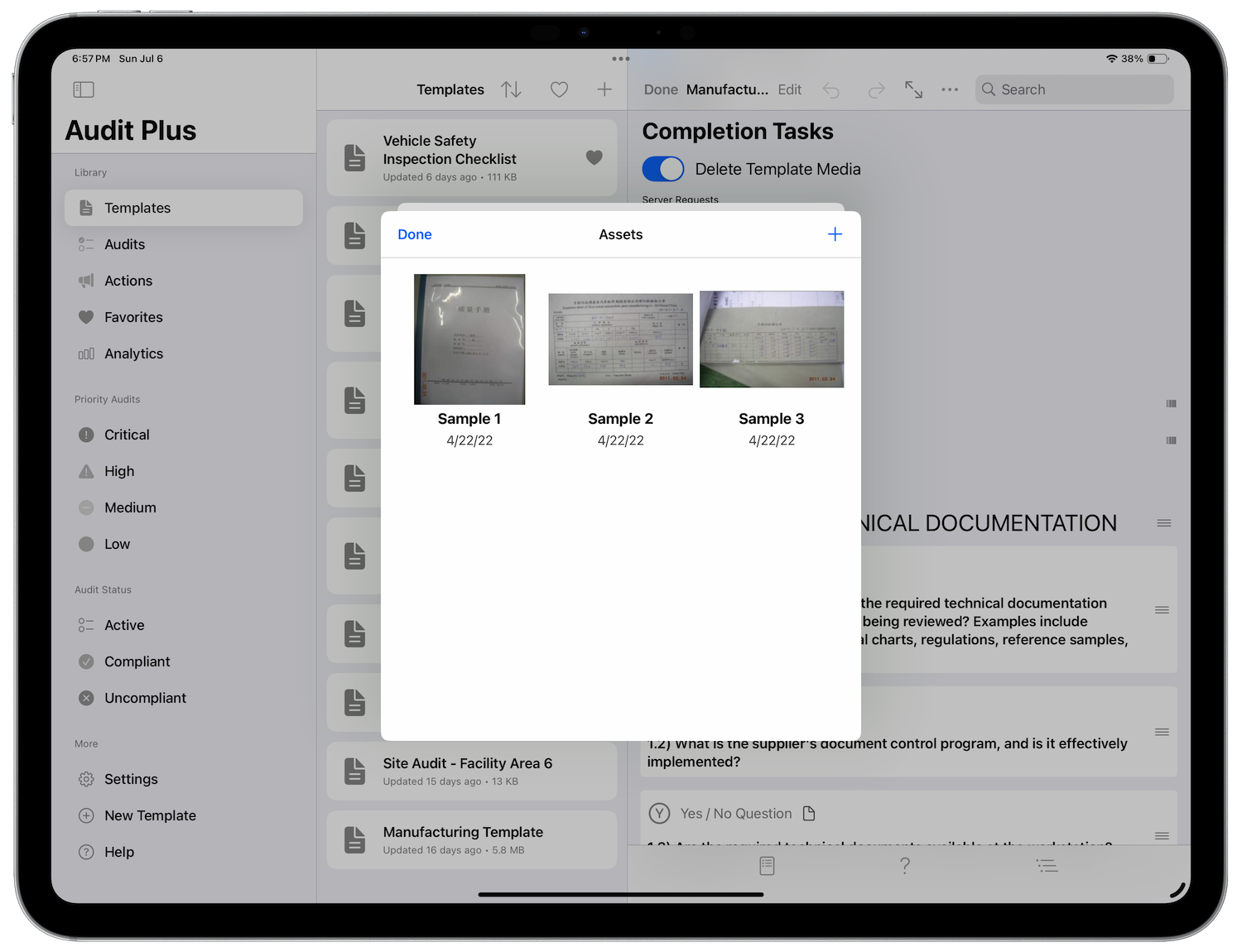
If you wish to add work instructions or some form of documentation to a question, tap the assets button to open up the asset editor. There you can add a number of documents that will be shown with your question.
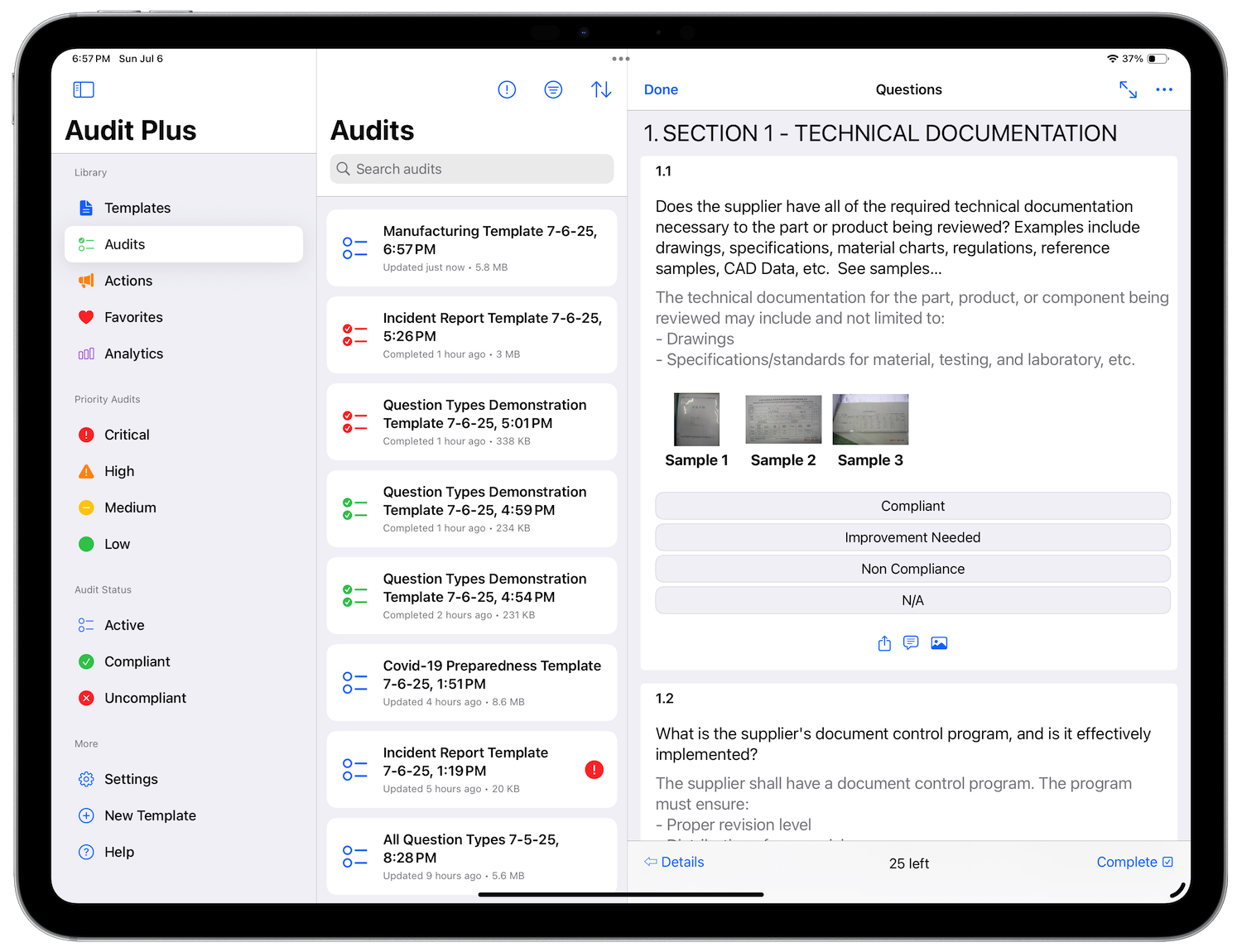
The Audit Plus app supports a variety of document types:
• iWork documents
• Microsoft Office documents
• Rich Text Format, or RTF, documents
• PDF files
• Images
• Text file
• Comma-separated value, or CSV, files
• 3D models in the usdz format with both standalone and AR views for viewing the model
To add a new document, simply press the + button. You may add an existing photo from the library, select a document from your file system, and finally take a photo. After insertion you may long press on the thumbnail and change the name or delete the item.
Adding assets supports drag and drop. Just drag one more files over the asset editor and drop them in! Also, reorder assets by dragging them around.