
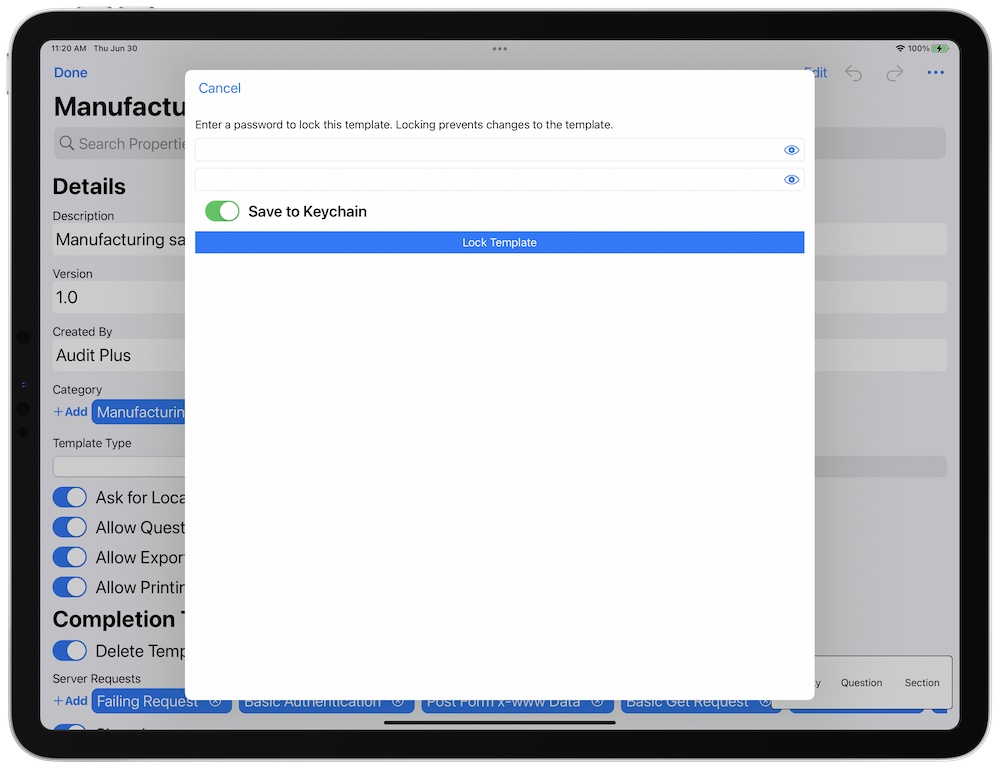
The following screen will be raised.
- Enter your password credentials.
- Select Save to Keychain if you would like to unlock the template with biometrics.
Do not lose your password! We cannot recover it for you.

- Tap the lock to make changes. If you saved your password to the keychain, the app will use Touch ID or Face ID to unlock the template. If not, then enter your password. Make sure to re-lock the template when finished.
- To permanently unlock the template, use the … menu item.
- To change the password of the template, use the … menu item. You will be prompted for your old password and the updated new password.