
- Where the user will enter text.
- Allow Scan for Answer to scan in the text.
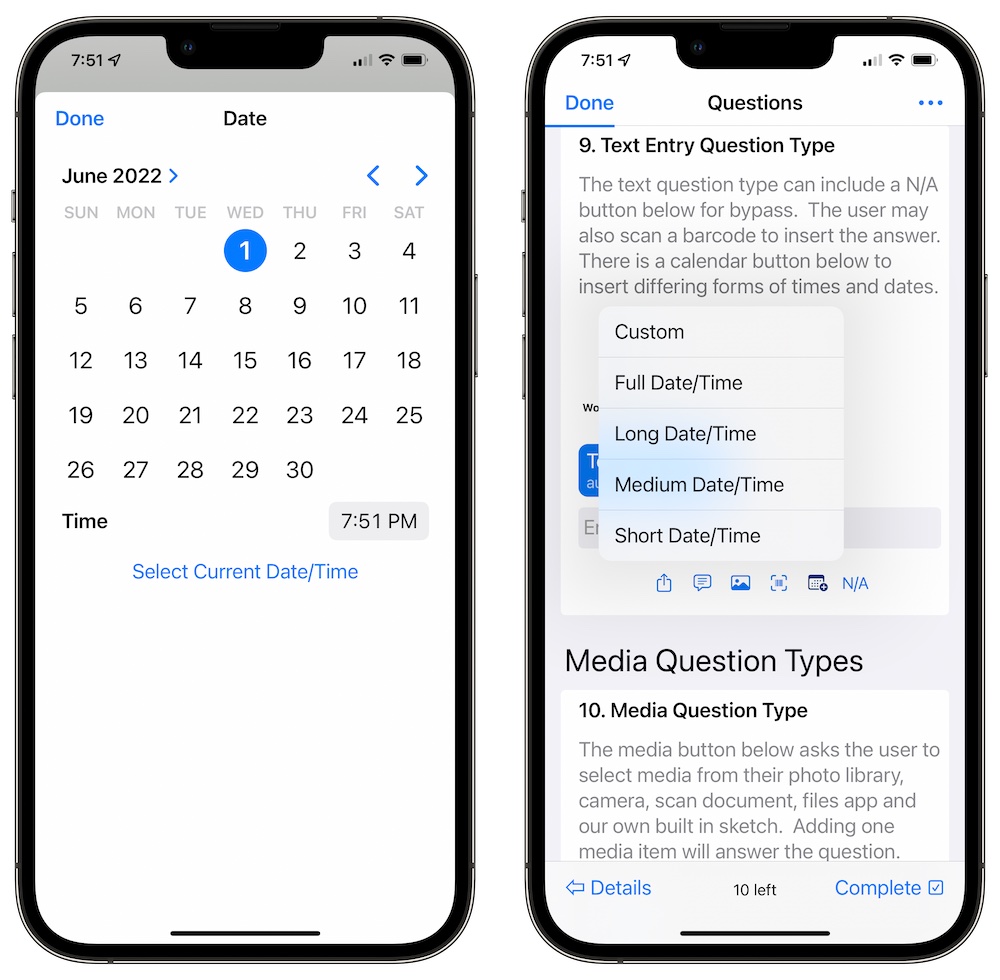
- Use the date menu button to choose between 4 differing current dates types and a custom date picker.
- Include N/A Button to bypass the question.
The text type can double up as a date type as the date menu button is always enabled. Tap the date button and select custom to use the calendar picker, or tap one of the four remaining options to add the current date. If you intend on using it as a date type, just enter the date with no other copy with the calendar picker.