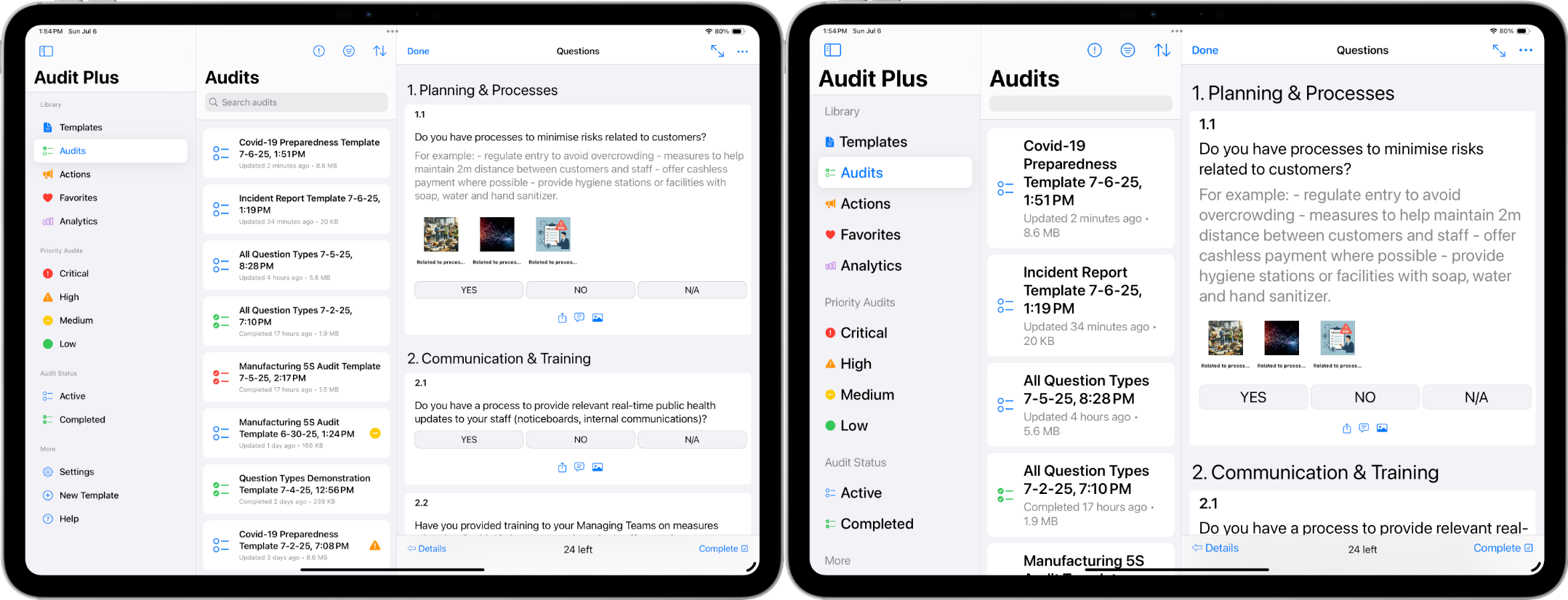
Dark Mode
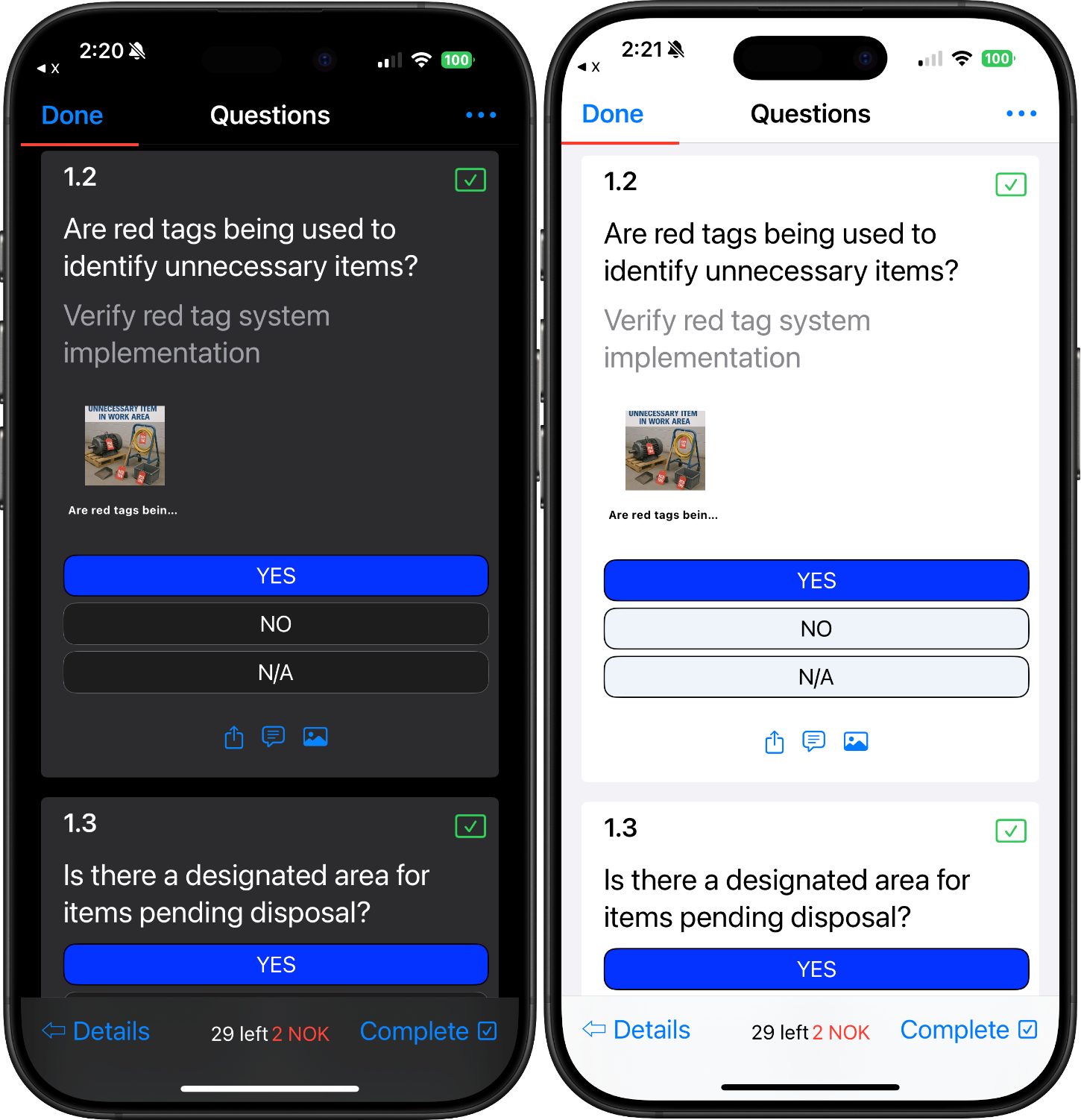
The Audit Plus app supports both dark and light appearances are supported. Dark appearance is likely easier on the eyes for swing and graveyard shifts. Learn more about Dark Mode.
Multi Screen Support
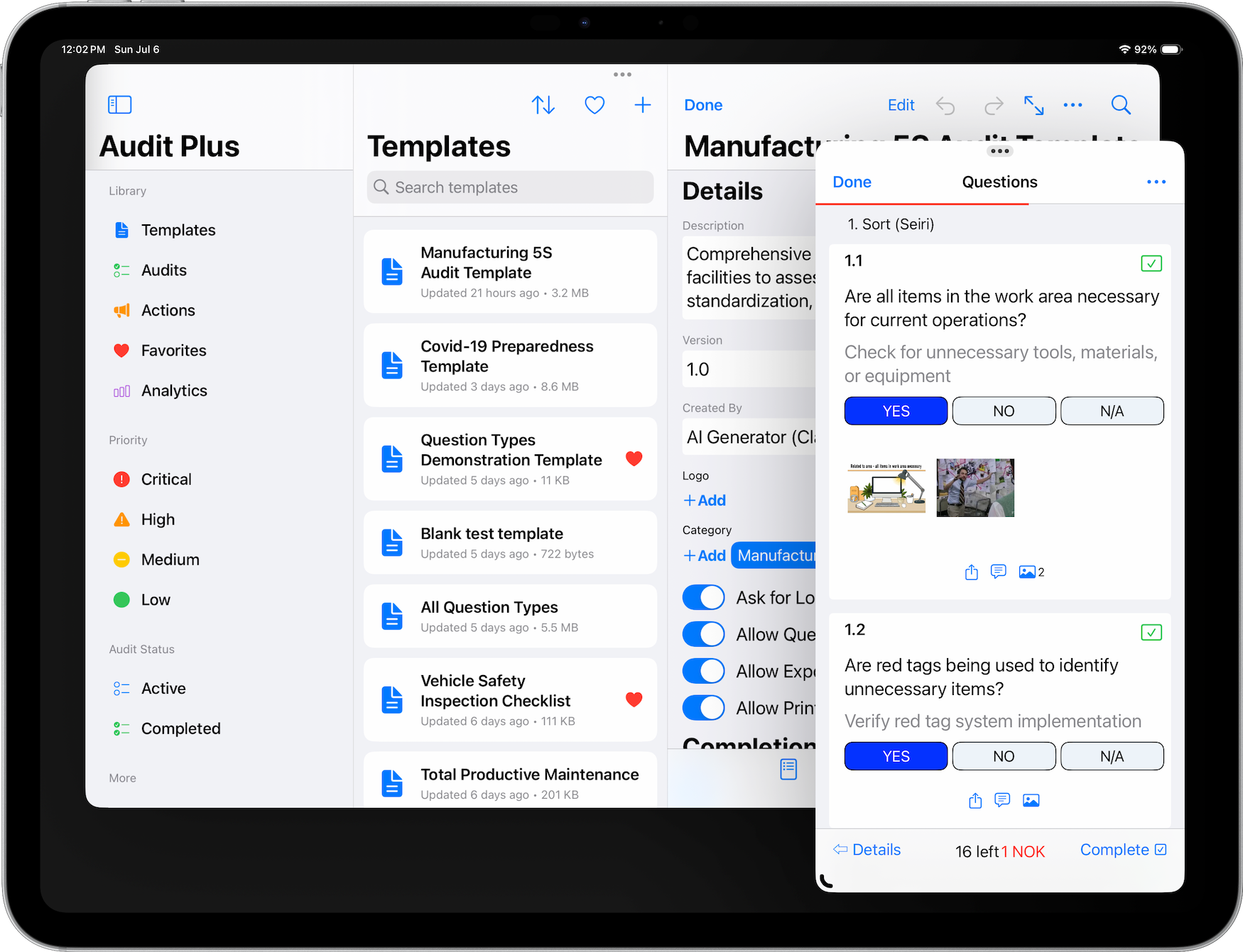
The Audit Plus app supports multiple screens on iPad and macOS. This enables side by side editing of all our file types. This is especially useful when creating templates. Learn more about iPadOS Multi-Tasking.
Shortcuts
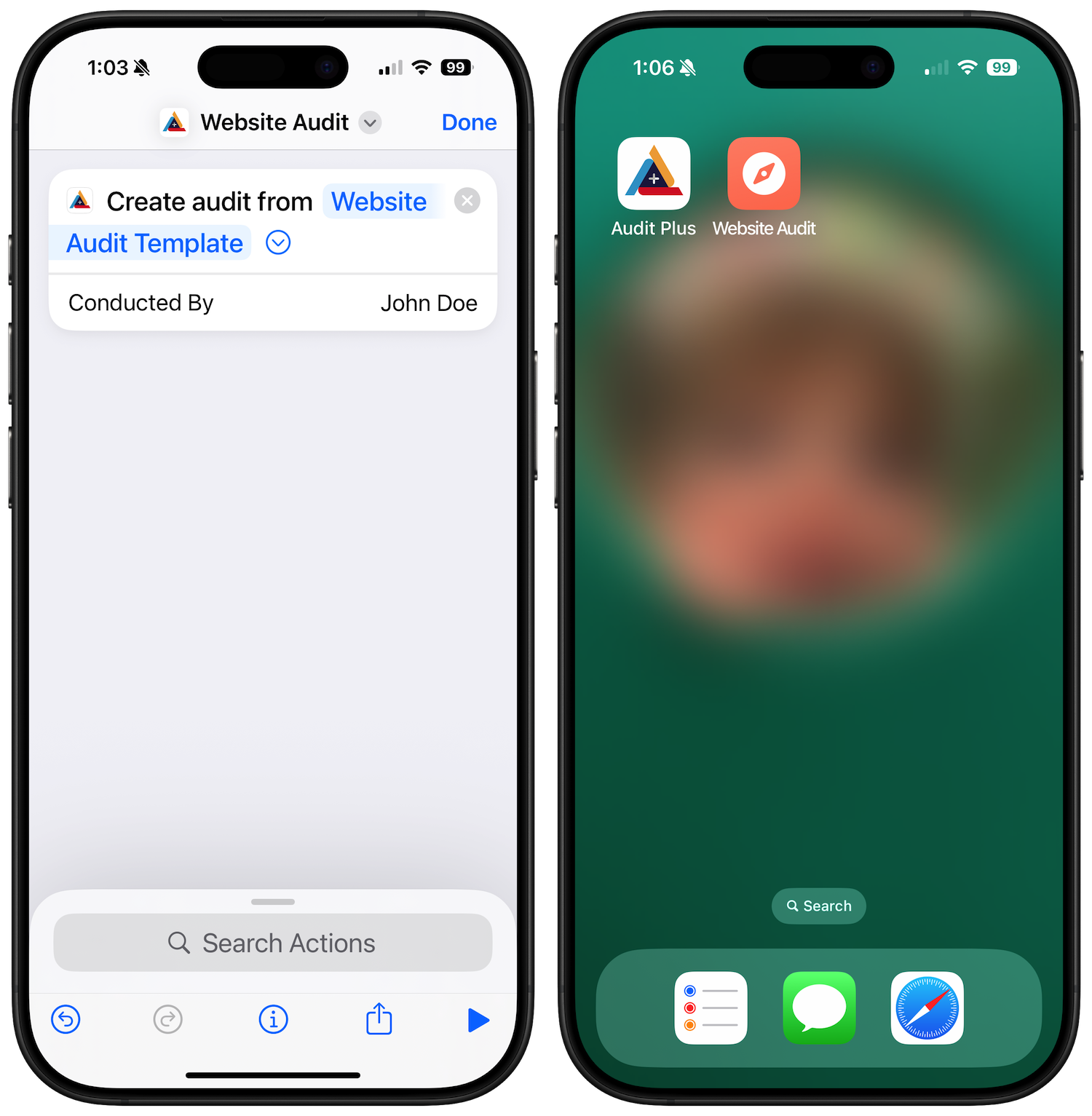
Shortcuts provide a one step approach to creating audits. Use the Create Audit action to start an audit from any template on your device — even from an icon on your Home Screen. See our Shortcuts guide for setup details.
Home Screen Quick Actions
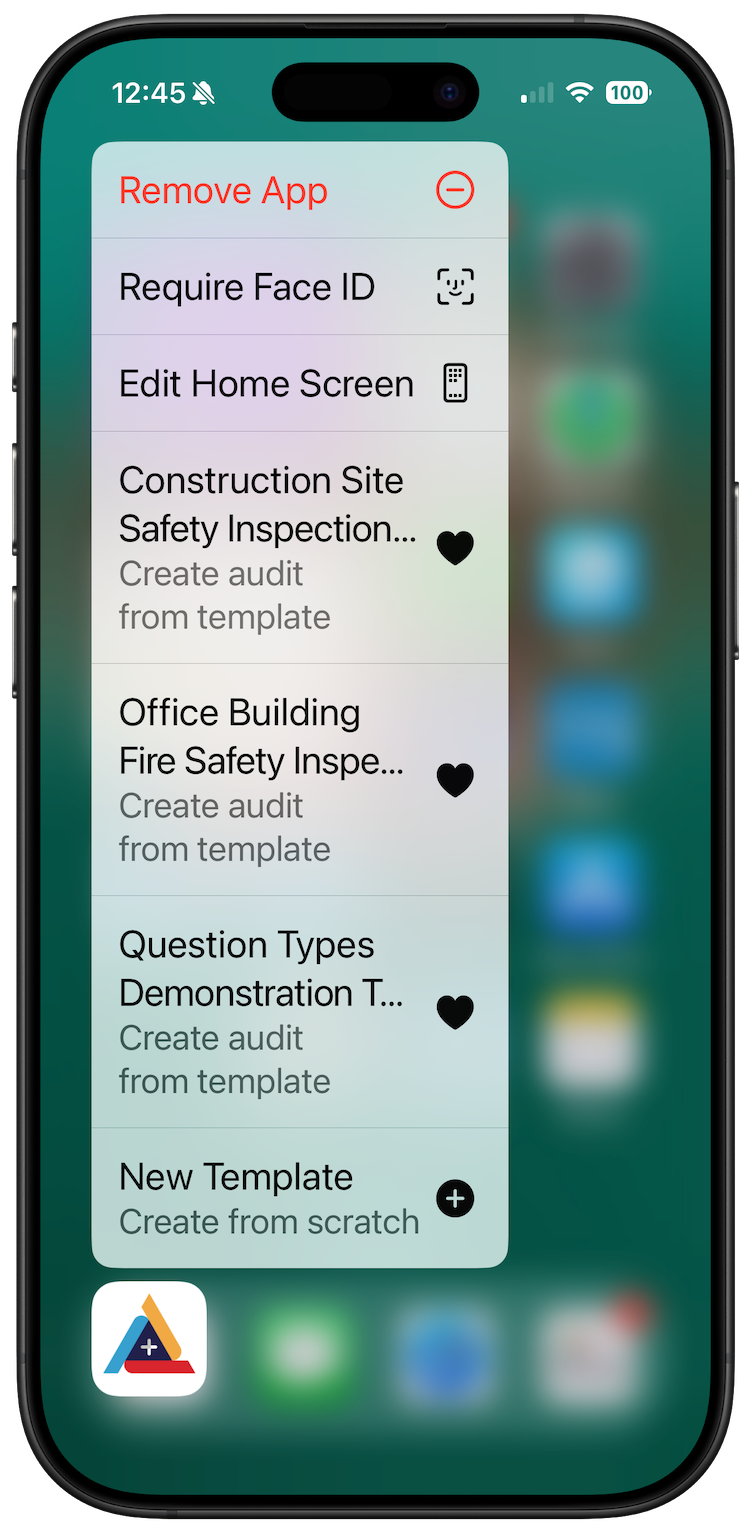
The Audit Plus app supports quick actions. Just long press on our icon to reveal recently used templates and files to start working with. Learn more about Quick Actions.
Accessibility for Vision
Use accessibility settings to increase text for vision impairment. Learn more about Text Accessibility.